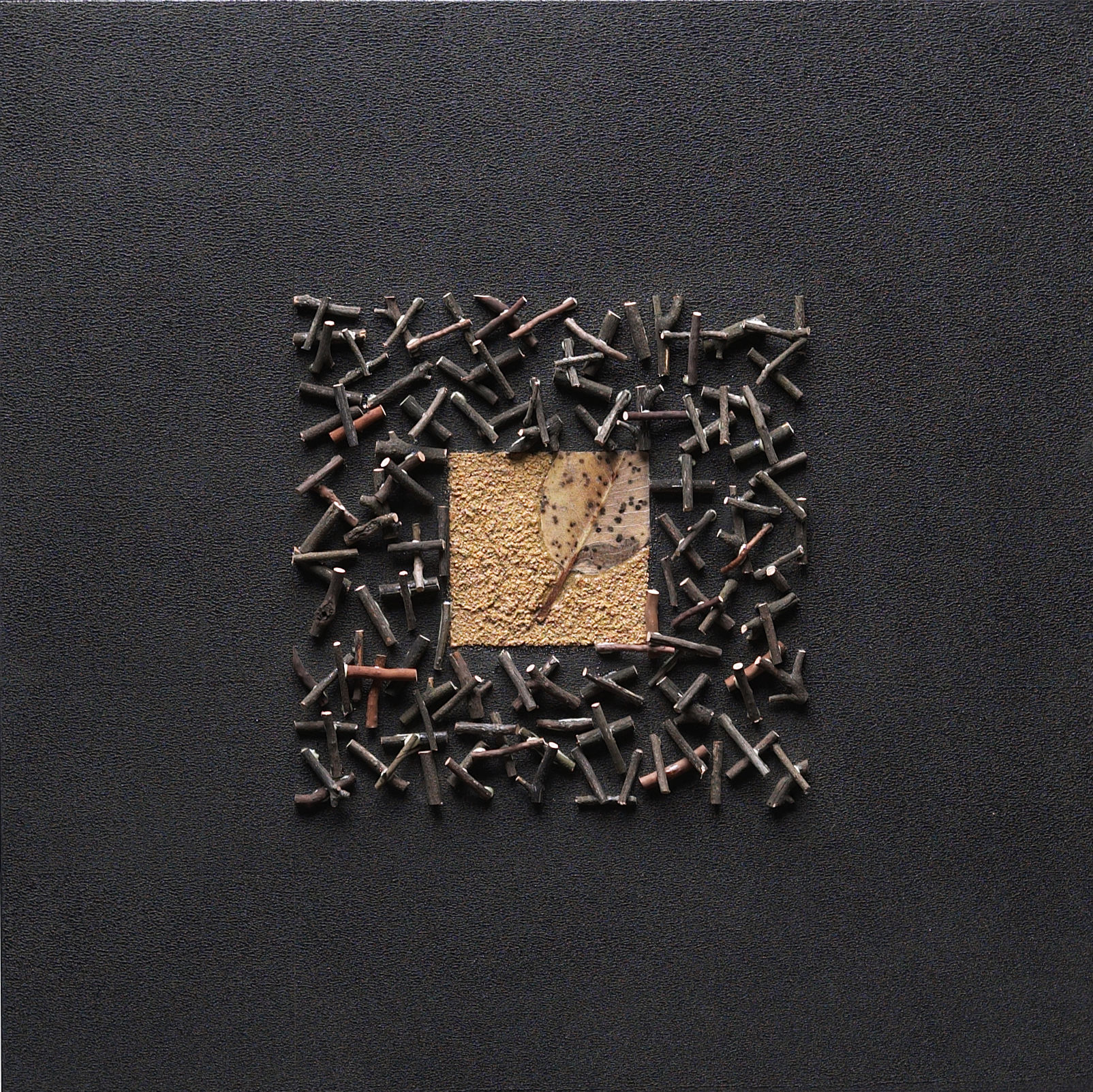
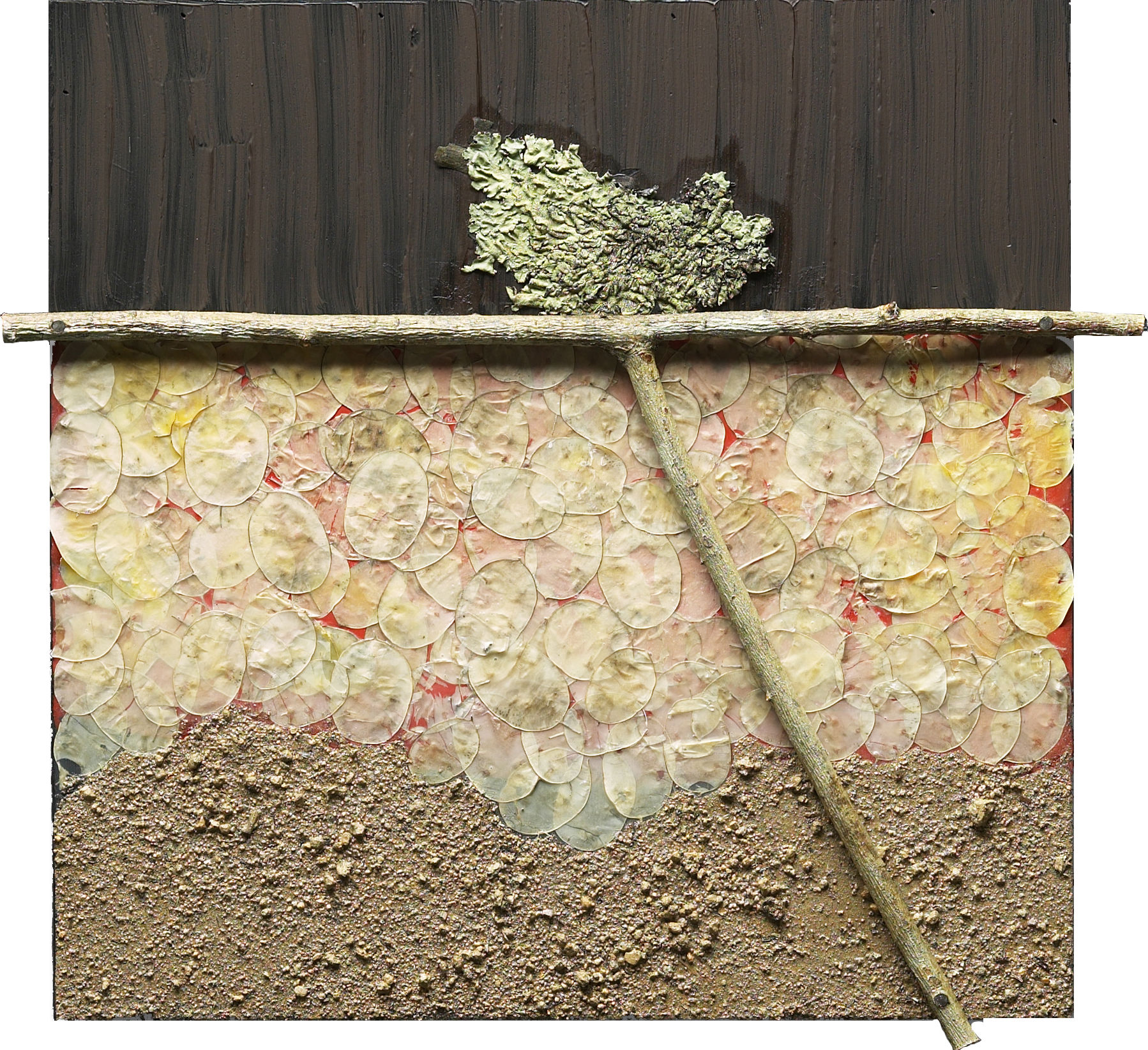
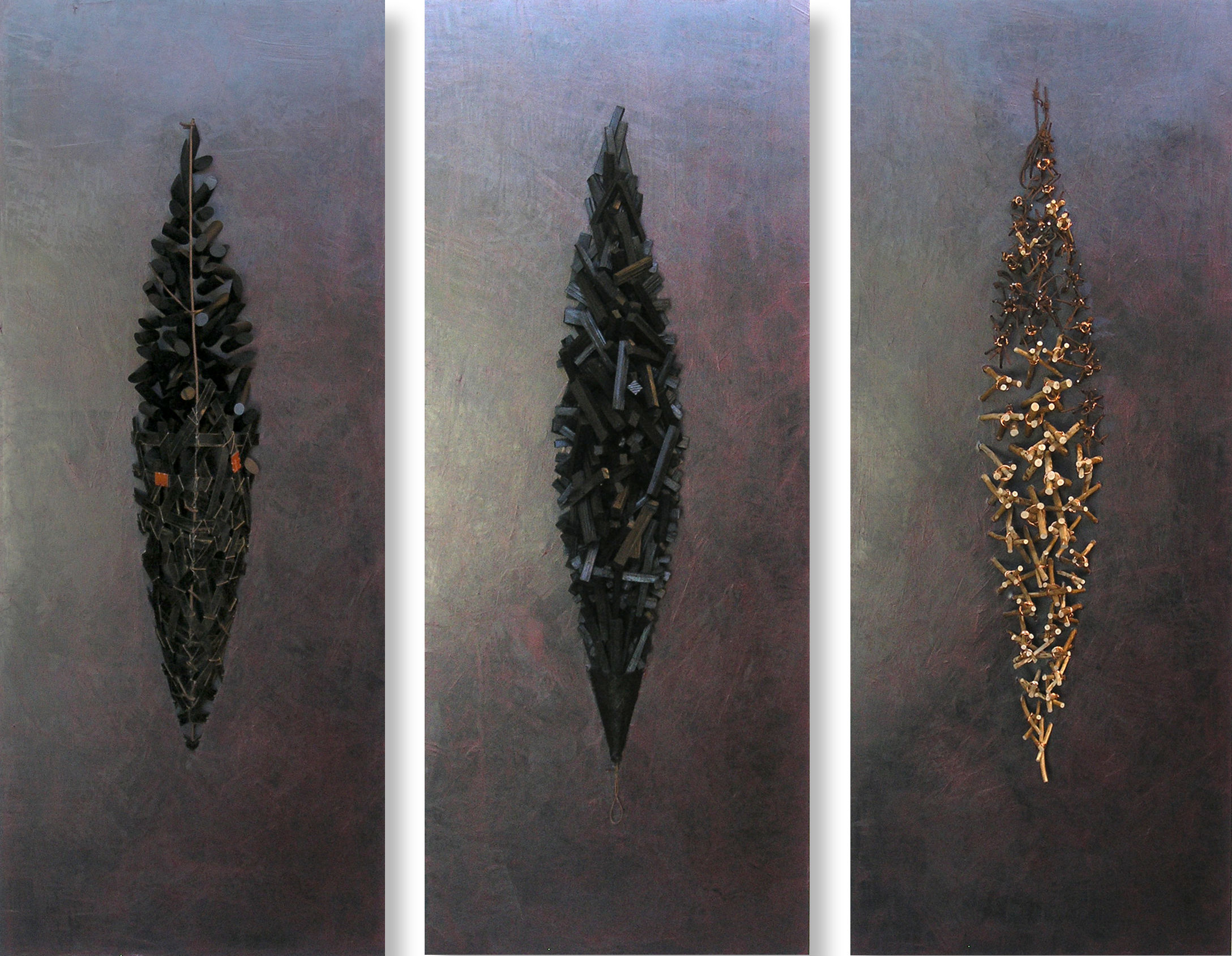
Configuration
Frontmatter
- sectionType: image-grid
  dataSource: artworks-2024
  text:
    title: "Sculptures 2024"
    titleTag: h2
  settings:
    gap: "6"
    targetRowHeight: "200"
Data File Structure
Create a JSON file in /lib/data/ with your image data:
[
  {
    "image": "/assets/images/artworks/piece-1.jpg",
    "title": "#108",
    "details": "36.5 x 55 x 13 inches, painted resin",
    "date": "2023",
    "link": "/artworks/piece-108/"
  },
  {
    "image": "/assets/images/artworks/piece-2.jpg",
    "title": "#95",
    "details": "24 x 30 x 8 inches, bronze",
    "date": "2022"
  }
]
Items without a link property will not show the arrow icon and won't be clickable.
Configuration Options
| Property | Type | Required | Description |
|---|
dataSource | string | Yes | Name of the JSON file in /lib/data/ (without .json extension) |
text.title | string | No | Optional section title |
text.titleTag | string | No | HTML heading tag (h1-h6), defaults to h2 |
settings.gap | string | No | Gap between images in pixels (default: 6) |
settings.targetRowHeight | string | No | Target height for rows in pixels (default: 200) |
Data Item Properties
| Property | Type | Required | Description |
|---|
image | string | Yes | Path to the image file |
title | string | No | Title shown in hover overlay |
details | string | No | Details text (dimensions, materials, etc.) |
date | string | No | Date or year |
link | string | No | URL to detail page (shows arrow icon when present) |